
Roblox thumbnail maker for devs without a GFX artist
Drop in a screenshot of your game and get 2 thumbnails built from it, ready to upload at 1920×1080, usually in about a minute. Roblox’s Home now recommends only games with a custom thumbnail.
- 6 free images
- No card
- No watermark
- 20 images for $4.99
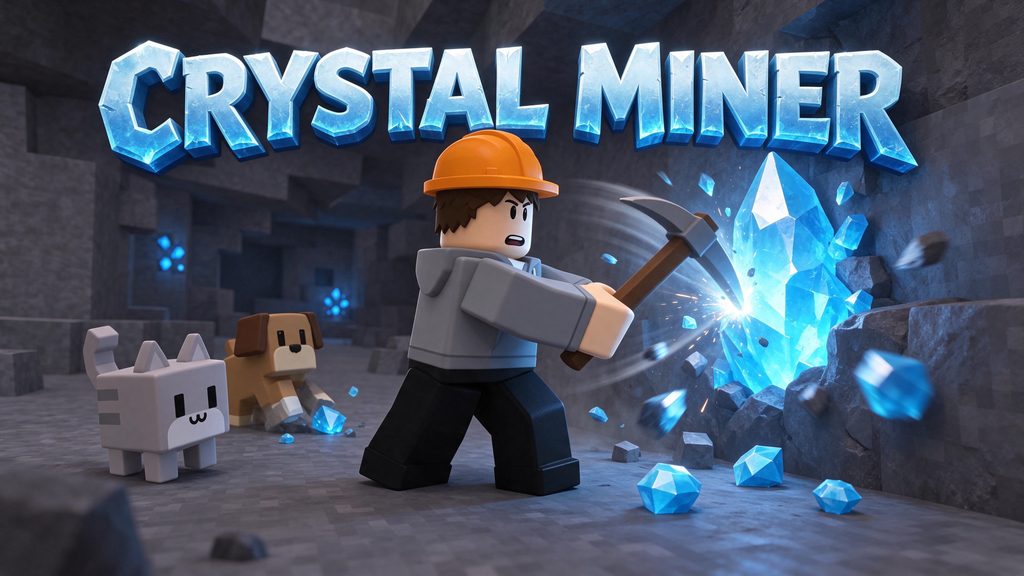
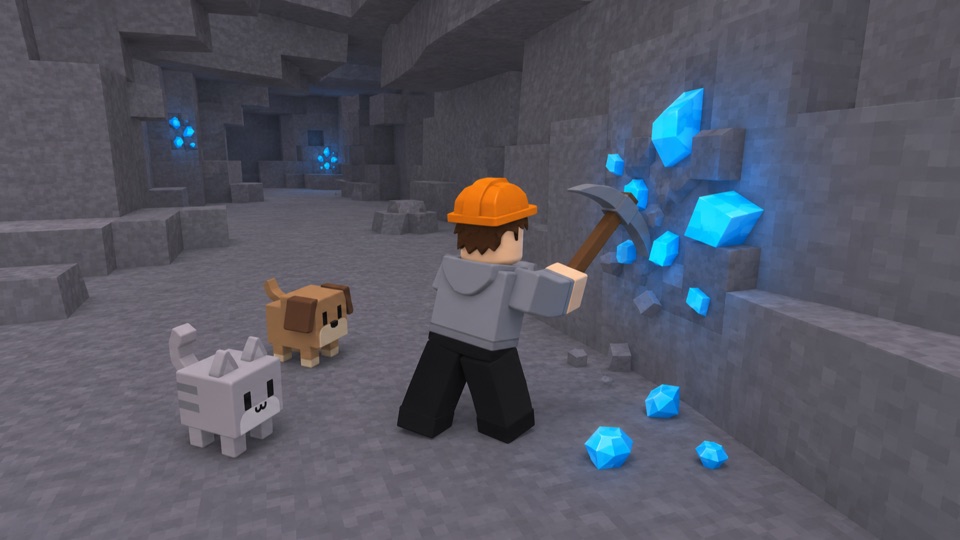
By making images, you accept our Terms and Use Policy.
See it on RobloxExample games
Thumbnails and icons among other games, at the size players see them.
Recommended For You
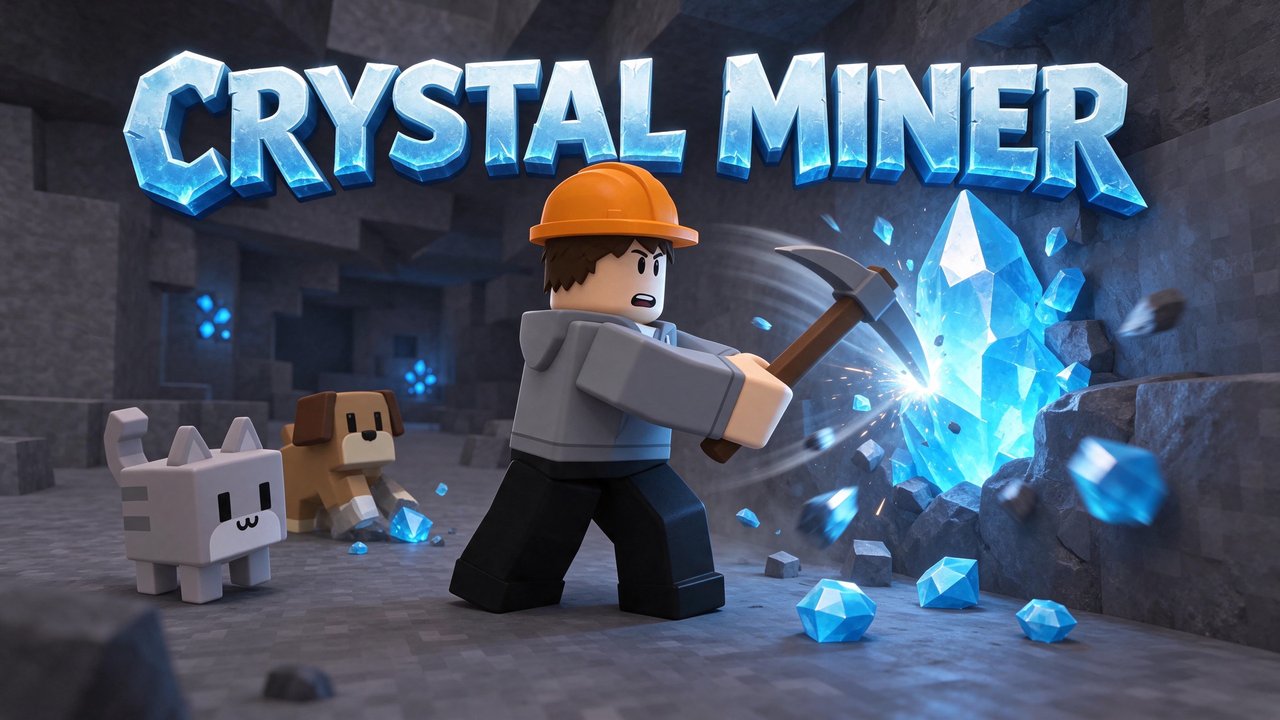
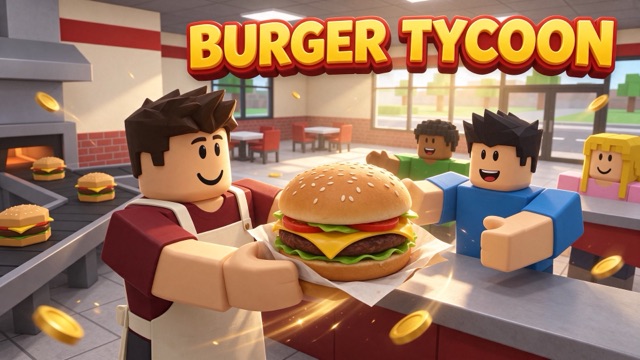
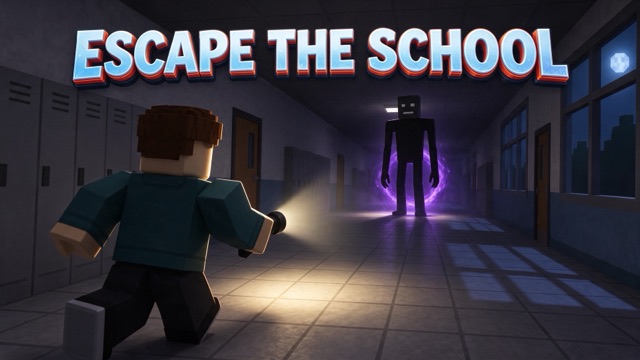
Roblox recommends keeping key words off the bottom edge of a thumbnail.
Examples
From your screenshot to your Home tile
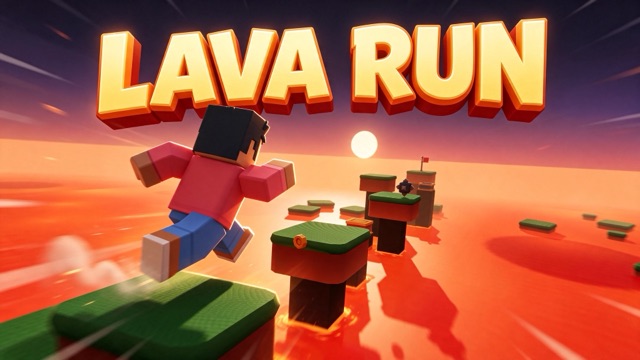
Example scenes are made-up games, not real experiences. The thumbnails are unedited results.
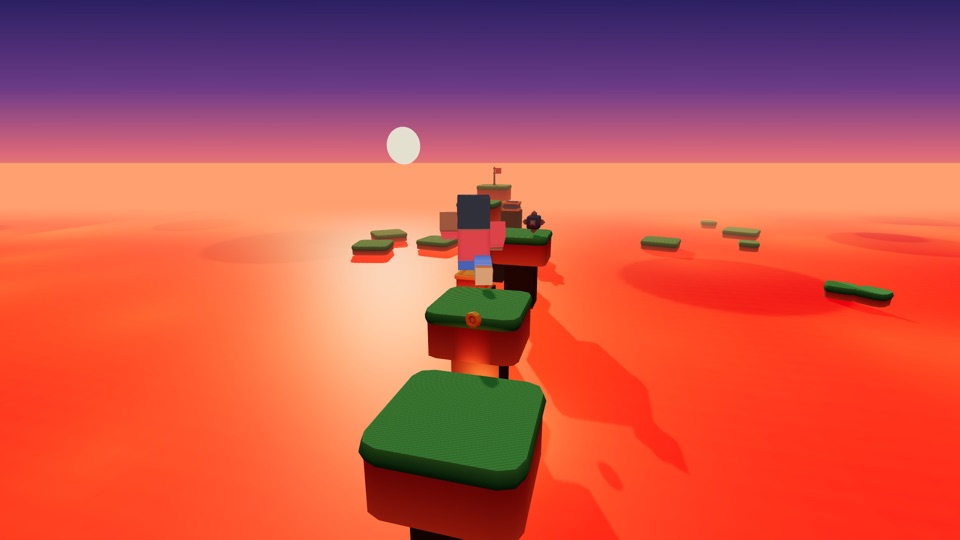
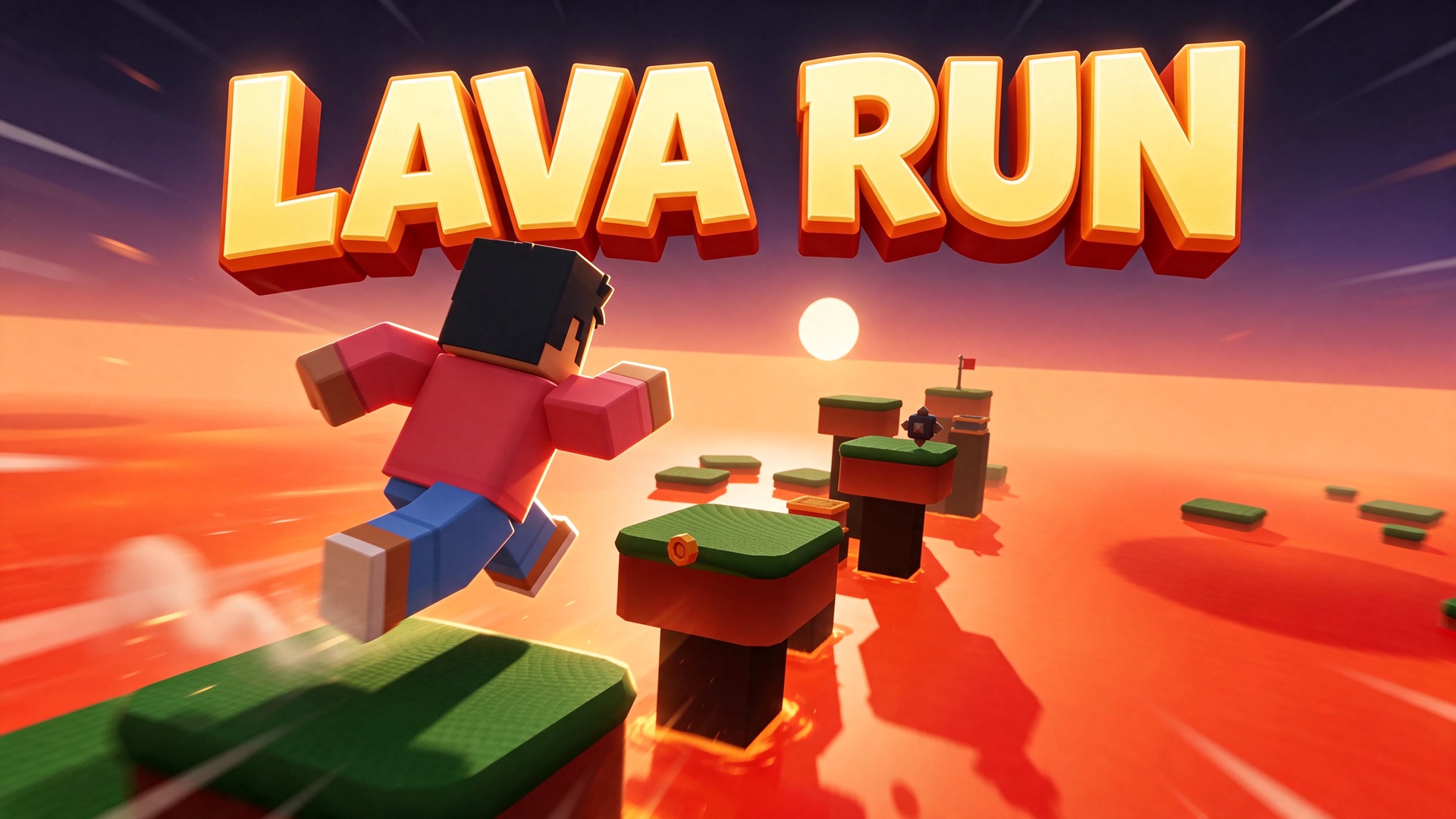
The request: My lava obby: a player sprinting and jumping across glowing blocks over a lava sea at sunset, racing to the checkpoint flag. Unedited.
How it works
How the Roblox thumbnail maker works
- 01your screenshot
Add your screenshots
Drag them in, paste with Ctrl+V, or pick from your phone. Up to 3 from your game, plus 2 for style.
- 021
 2
Get a set
2–4 thumbnails side by side, numbered, so you can compare.
- 03
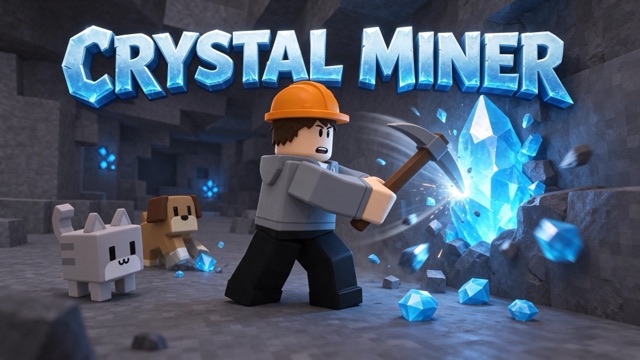 Crystal Miner90% Rating
Check it on Roblox, then export
See it on Home, in Search, on a phone and as a 150 px icon. Add your own words on top for free. Export at exactly 1920×1080, under 3 MB, and a matching icon.
Roblox’s rules
Made for how Roblox shows your game
- Exact size. Thumbnails export at 1920×1080 and under 3 MB, as Roblox asks for thumbnail tests. Icons export at 512×512.
- Readable small. Icons can show as small as 150×150 px. Big shapes and 1–2 words read best.
- A set for personalization. Roblox can test 2–5 thumbnails per experience. Make them in one go.
- A custom thumbnail for Home. Since October 19, 2026, only experiences with a custom thumbnail get impressions from Roblox’s Home recommendations.
Sources: Roblox Creator Docs: Thumbnails · Roblox Creator Docs: Experience icons
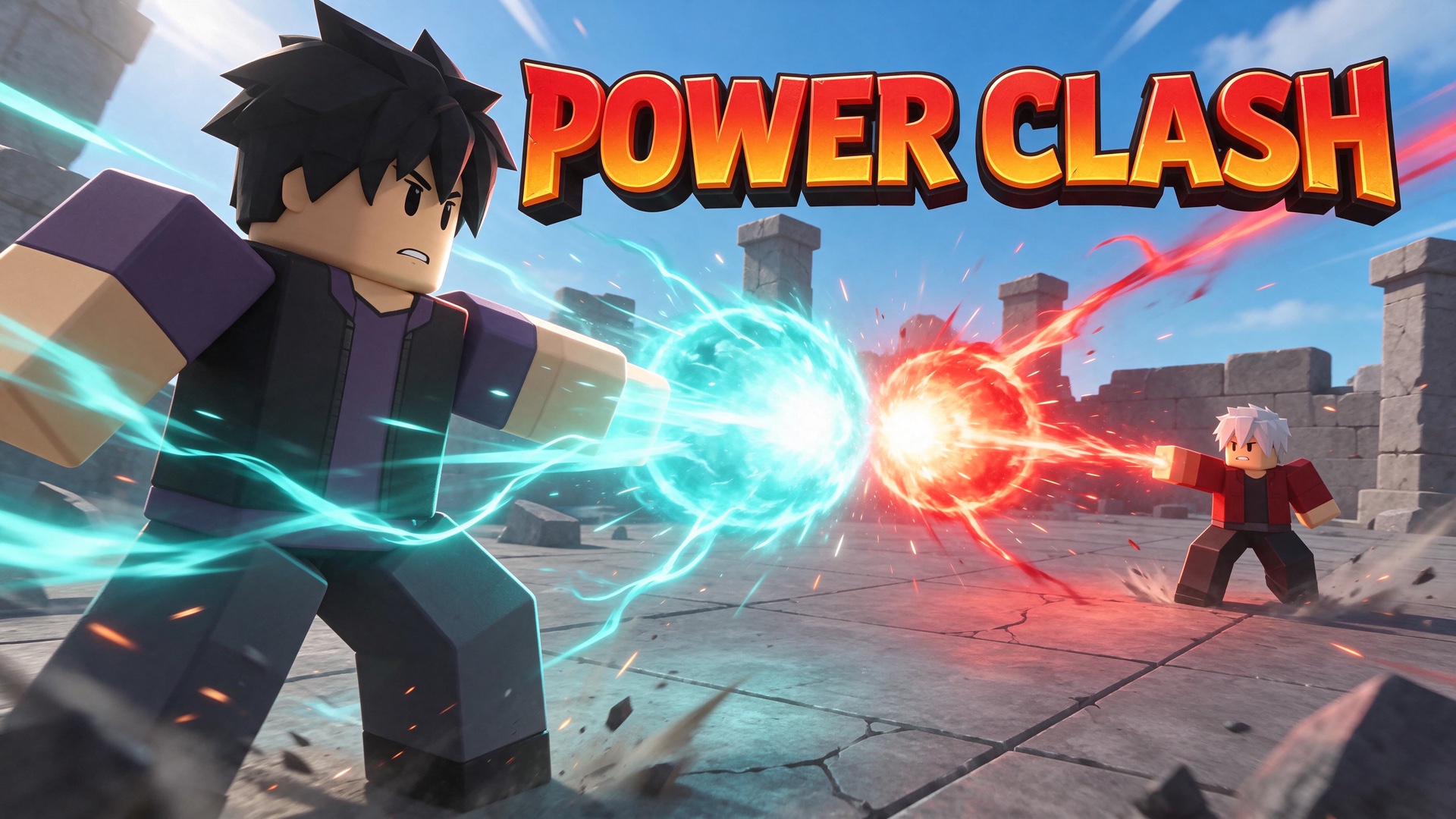
House rules
What you can’t make
Roblox moderates every image you upload. These rules keep yours from being taken down.
No other games’ characters or logos
Use references for style only. The subject comes from your own game.
No Roblox logo
Tilebolt doesn’t draw the Roblox logo or wordmark, and doesn’t make images that look official.
No real people
No photos of real people, including public figures and minors. Thumbnails show your game’s own characters.
Nothing sexual, hateful or gory
Game action is fine; graphic gore, sexual content and hate are refused.
Every description and every image is checked automatically. The full rules are in the Use Policy.
Free tools
Already have a thumbnail or an icon?
Two free tools, no sign-up. What you add stays in your browser.


FAQ
Questions
Is Tilebolt free?
Yes, to start. You get 6 free credits after you sign up, enough for 3 sets of 2 images, with no card and no watermark. Free credits come after you verify your email; temporary email addresses don’t get them, and the number of new free accounts per day is limited. After that, credits start at $4.99 for 20 images.
Is it allowed on Roblox? Will Roblox reject AI thumbnails?
Yes. Roblox’s thumbnail guidelines don’t mention AI-made images. Every image you upload is moderated against Roblox’s Community Rules and Terms of Use, so keep it true to your game, with no other games’ characters or logos. Tilebolt checks prompts and images before you get them, but Roblox makes the final call.
What size is a Roblox thumbnail and a game icon?
Thumbnails are 16:9, ideally 1920×1080, and Roblox asks for them under 3 MB when you test thumbnails. Icons are 512×512, and Roblox can show them as small as 150×150 px. Tilebolt exports both at exactly those sizes.
Can I make a thumbnail from my own game screenshots?
Yes. Add up to 3 screenshots of your game: the subject, setting and characters come from them. You can also make one from a description alone.
Can I use someone else’s thumbnail as a reference?
Yes, for style only: colors, lighting, mood. Add up to 2 style references; the subject always comes from your own game. Roblox may limit or remove games whose thumbnail looks like another game’s, so don’t copy characters or logos.
Can I use the images commercially?
Yes, including images made with free credits. You can use them for your experiences on Roblox, paid and promoted ones included, and Tilebolt doesn’t claim ownership of them. They aren’t exclusive: the AI can make a similar image for someone else, and in some countries, the US among them, images made by AI may not be protected by copyright.
How many thumbnails do I get at a time?
2 to 4, side by side, so you can compare them. Free accounts make 2 at a time. Roblox can test 2 to 5 thumbnails per experience, so one set covers a personalization test.
How long does it take?
It is usually about a minute. Your images stay in My images for 30 days; download the ones you want to keep.
Do you keep my screenshots?
Yes, for 30 days. The screenshots and style references you upload are deleted after 30 days, and the images made for you after 30. The free tools never upload your file: it stays in your browser.
What if an image fails?
You aren’t charged for it: its credit goes back to your balance automatically. An image that doesn’t pass our safety check isn’t delivered, and its credit goes back too.
Is this for game pages or YouTube covers?
Game pages: Roblox thumbnails (16:9) and icons (1:1). YouTube covers aren’t supported yet.
Will it turn blocky avatars into realistic people?
No. It keeps the blocky Roblox look of your game’s characters.
Which AI model does Tilebolt use?
Seedream 5.5. If an image fails, it’s made once more on Nano Banana Pro at no extra charge.
Is Tilebolt affiliated with Roblox?
No. Tilebolt is an independent tool. It is not affiliated with, endorsed by, or sponsored by Roblox Corporation.